

Having a security app for your device has become a necessity, given the current online safety scenario. With the advancement of technology, people are getting more inclined towards in-browser safety options rather than antivirus programs. However, we suggest our readers utilize web-based security alongside antivirus software.
- Go to the official website by clicking here
- Click on "Add Guardio To Chrome."
- Install the extension on your browser page.
- Choose "Add extension" when the permission pop-up appears on the screen.
- Register with your Google, Facebook, or email ID.
Having a security app for your device has become a necessity, given the current online safety scenario. With the advancement of technology, people are getting more inclined towards in-browser safety options rather than antivirus programs. However, we suggest our readers utilize web-based security alongside antivirus software. In this article, we discuss a browser security app called Guardio, along with its review, best features and alternatives.
What is Guardio?

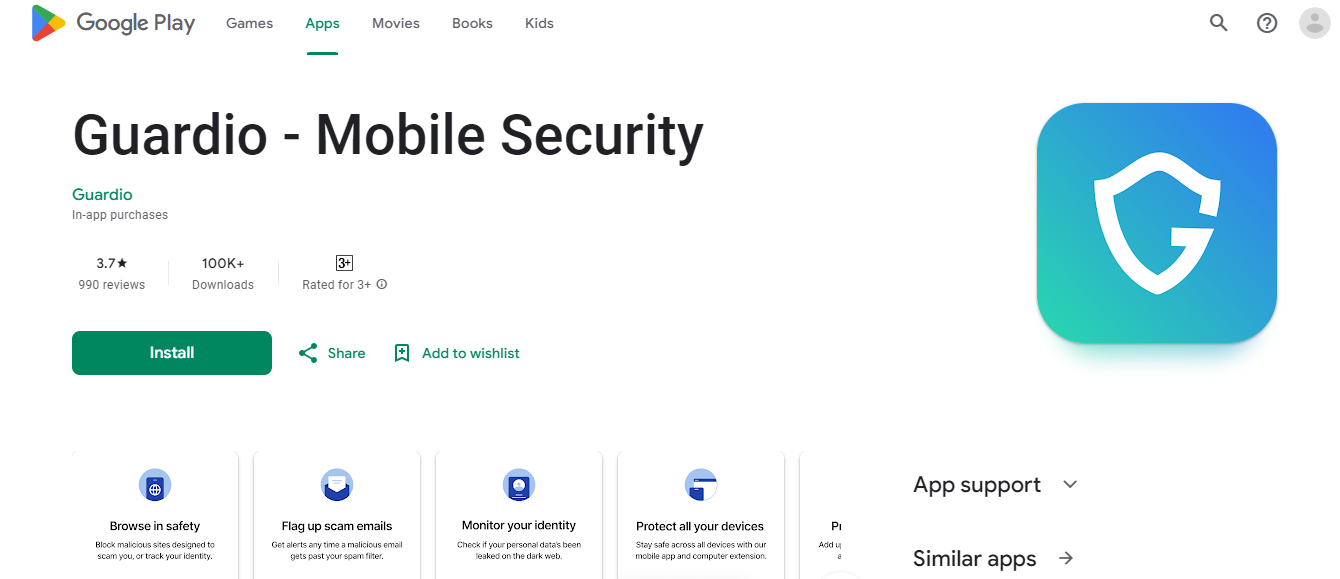
Guardio is a browser extension that brings you one step closer to cybersecurity. It blocks harmful sites and functions on browsers such as Google Chrome and Microsoft Edge, among others. Guardio checks for privacy and data breaches, and all the threats found and blocked are shown in its dashboard. Furthermore, it works in real-time but still does not interrupt your work. It blocks malicious sites and phishing attacks, and is very easy to navigate through.
Is Guardio safe to use?
Most people do not realize the importance of online security and, thus, refrain from using services like Guardio. From our extensive research, we can deduce that Guardio is safe and effective to use.
Is Guardio illegal?
According to Guardio Review, the official website states that Guardio is entirely legal to use. It also boasts of having millions of users. Nonetheless, Guardio’s function is to ensure that no illegal activity, such as identity theft or phishing scams, takes place.
How to use Guardio?
It is not difficult to use Guardio. The step-by-step process to install the Guardio extension is mentioned below.
On Google Chrome
- Go to the official website by clicking here
- Click on “Add Guardio To Chrome.”
- Install the extension on your browser page.
- Choose “Add extension” when the permission pop-up appears on the screen.
- Register with your Google, Facebook, or email ID.
- That’s it. Guardio will now efficiently scan your browser for potential threats.

On Mobile Device
- All you have to do is follow the instructions that appear to maintain your Guardio account on your screen once you download the app.
- Android users can download it from the Google Play Store by clicking on this link. iOS users can click on this link to download it from the App Store.
Are there other sites like Guardio?
While Guardio is a very efficient security option, many Guardio alternatives might be more suitable for your device. Some of them are discussed below.
1. Eset Protect
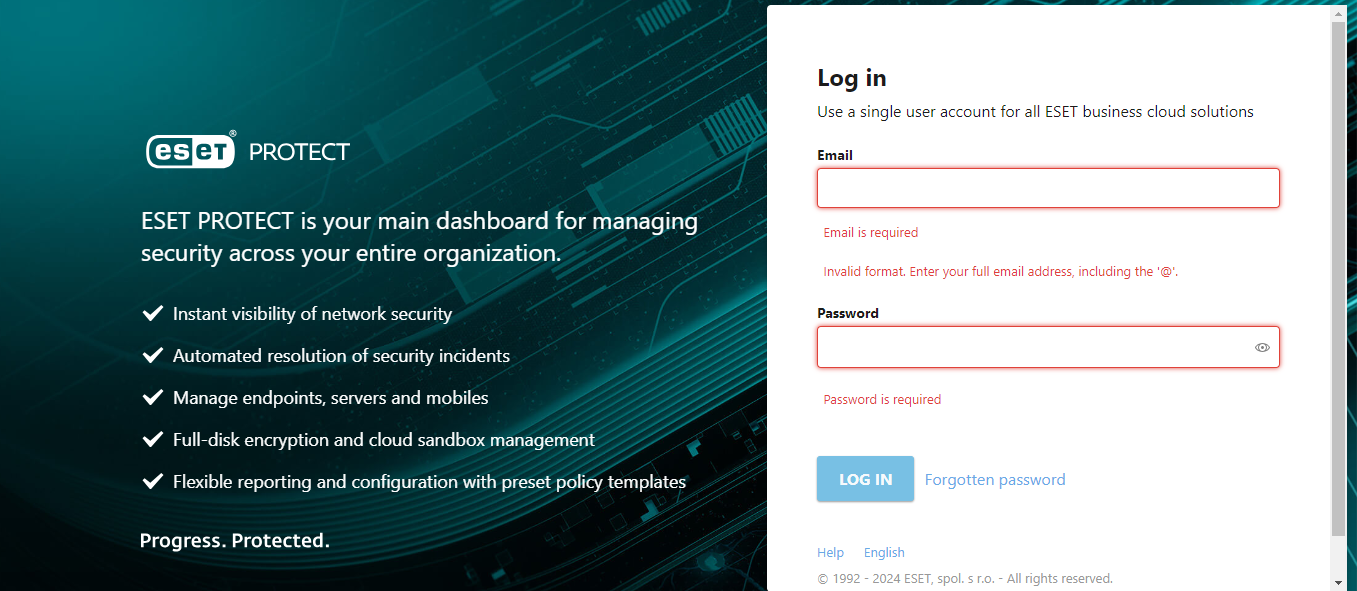
This software helps users avoid any unwanted threats and attacks. It is defensive against malware and ransomware. Reports indicate that it has the lowest chance of showing false positives and is effective for all types of businesses.
Features:
- Endpoint Intelligence
- Security Validation
- Malware Detection
- Web Control
- System Isolation
2. Safepay

It is a protected browser that aims to keep all your online transactions safe and secure. Any e-threat, whether it is hacking, phishing, or Trojans, Safepay ensures that your privacy is not at risk. Meanwhile, it comes with a built-in VPN that ensures confidentiality, even on public servers.
Features:
- Independent of other browsers.
- Has a virtual keyboard feature.
- Blocks all access to your desktop screen.
- Supports the bookmarking of websites.
- Availability of a password manager.
3. Malwarebytes
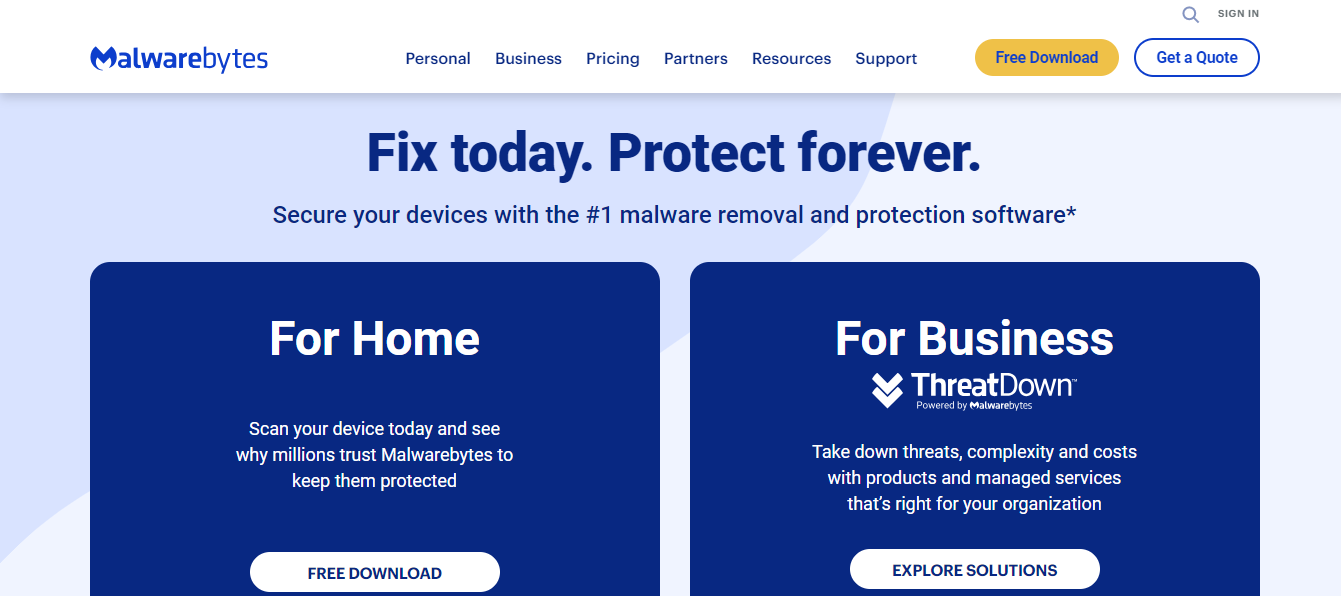
Malwarebytes Browser Guard is a free extension that protects your device from unsafe and unwanted content. It can be used on Chrome, Edge, Firefox, and Safari. Users get a quick and efficient browsing experience.
Features:
- Malware protection
- Advert and tracker blocking
- Scam protection
- PUP (Potentially Unwanted Program) defenses
- Suspicious domain blocking
Conclusion
To sum it up, it is high time that you protect your device and browser. E-frauds have been increasing continuously, thus the need for security browsers like Guardio has arisen. We hope that the article guides you about Guardio review, its features, and whether it is worth using.
Frequently Asked Questions
What is Guardio?
Guardio is a browser extension that brings you one step closer to cybersecurity. It blocks harmful sites and functions on browsers such as Google Chrome and Microsoft Edge, among others. Guardio checks for privacy and data breaches, and all the threats found and blocked are shown in its dashboard. Furthermore, it works in real-time but still does not interrupt your…
Is Guardio safe to use?
Most people do not realize the importance of online security and, thus, refrain from using services like Guardio. From our extensive research, we can deduce that Guardio is safe and effective to use.
Is Guardio illegal?
According to Guardio Review, the official website states that Guardio is entirely legal to use. It also boasts of having millions of users. Nonetheless, Guardio’s function is to ensure that no illegal activity, such as identity theft or phishing scams, takes place.
How to use Guardio?
It is not difficult to use Guardio. The step-by-step process to install the Guardio extension is mentioned below.
Are there other sites like Guardio?
While Guardio is a very efficient security option, many Guardio alternatives might be more suitable for your device. Some of them are discussed below.
Last updated on


