

The current era has introduced Internet users to the applications of multifaceted Artificial Intelligence. This article talks about a Generative intelligence application, Remaker AI. It describes everything about the face-swapping application, including Remaker AI review, safety, price, features, and alternatives.
- The AI generative application allows a user to generate a few results before logging them in.
- Once you log in and create a free account, you will be able to utilise the 30 credits.
- If you want to top up your balance, the Remaker AI allows users to recharge without paying for a subscription.
- The balance featured in the application is 50, 1,000, and 2,500 credits for $2.99, $19.99, and $49.99, respectively.
- While the Remaker AI credits are priced relatively low, they are featured as one-time payments and do not support a refund policy.
The current era has introduced Internet users to the applications of multifaceted Artificial Intelligence. This article talks about a Generative intelligence application, Remaker AI. It describes everything about the face-swapping application, including Remaker AI review, safety, price, features, and alternatives.
The introduction of Generative Intelligence gave birth to multiple-face swapping and editing tools utilised by Internet users for carrying out multiple leisure activities. Among the several tools is Remaker AI, an Artificial Intelligence Creative Content Generator, which has recently earned popularity as a cutting-edge image creation tool. The article gives details into what a Remaker AI is, its review, uses, and related details.
What is Remaker AI?
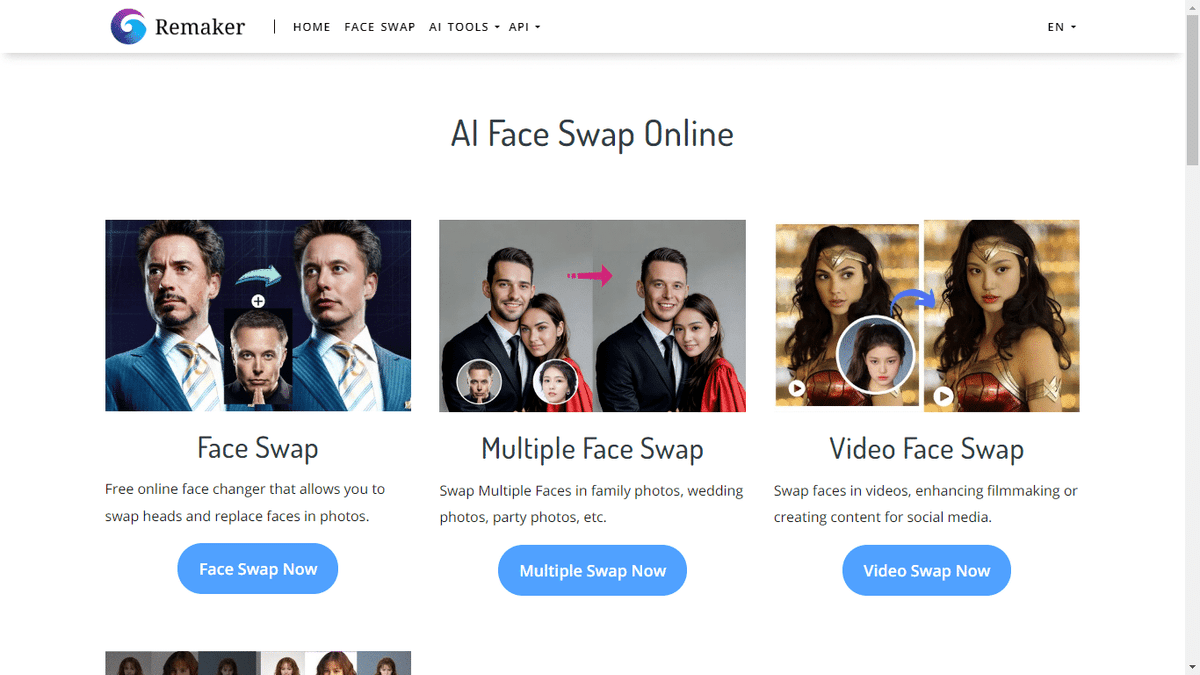
Remaker AI is an Artificial intelligence photo editing tool that utilises artificial intelligence for swapping an individual’s face in photographs. In technology, the applications allow users to switch faces between different images, creating entertaining and captivating scenes. The application whether you want to add an interesting view to the photograph or want to explore imaginative possibilities, the platform offers you a seamless experience across all.
Is Remaker AI Safe?
Remaker AI, according to its website, is protected by Firewalls and is placed in secure data facilities for enhanced security protection. However, at the same time, the application does not guarantee to safeguard a user’s data against unauthorised access.
Not only this, but Remaker AI’s “International Transfers” claims that they may transfer a user’s data to other members or their companies located in other countries. The privacy policy states, “Data that we collect will be stored on servers in the United States or other territories. Please be aware that countries which are outside your country of residence may not offer the same level of data protection as your country of residence, although our collection, storage, and use of your data will continue to be governed by this Privacy and Cookies Policy.”
In essence, after reading all the privacy policies for Remaker AI, we can conclude that Remaker AI is not a safe platform to use. However, if you are still willing to use the application, we recommend operating it on a VPN-enabled device.
Remaker AI Review: Pros and Cons
The Artificial Intelligence application has been reviewed quite a few times by its users. In the article, an inclusive Remaker AI pros and cons list has been drafted after going through the reviews.
| Pros | Cons |
| Comparatively Cheaper Than Other AI Generative Tools | The other features need to be updated and do not work conveniently |
| Provides a Quality Photo and Video Swap | The other features need update and do not work conveniently |
| Designed to Produce Creative and Generative Content | The application is not so safe for utilisation |
Also Read – What is xFi Complete? Review, Pricing, and Comparisons
What is the Pricing For Remaker AI?
- The AI generative application allows a user to generate a few results before logging them in.
- Once you log in and create a free account, you will be able to utilise the 30 credits.
- If you want to top up your balance, the Remaker AI allows users to recharge without paying for a subscription.
- The balance featured in the application is 50, 1,000, and 2,500 credits for $2.99, $19.99, and $49.99, respectively.
- While the Remaker AI credits are priced relatively low, they are featured as one-time payments and do not support a refund policy.
What Are The Features of Remaker AI?
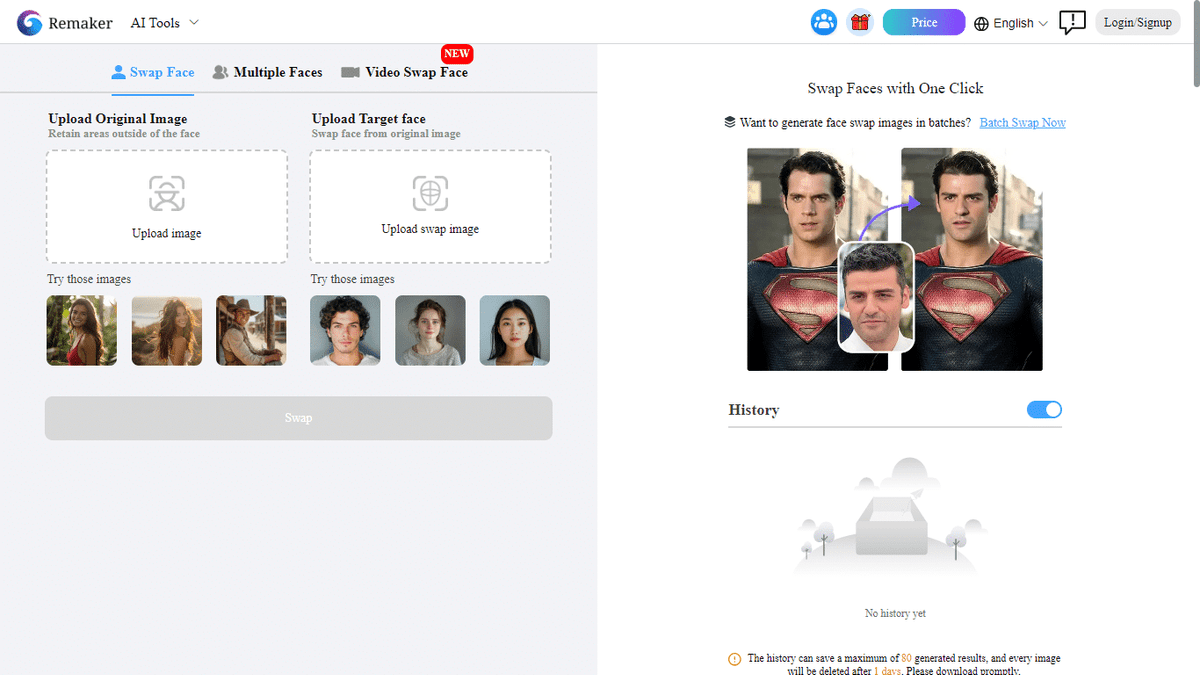
The application showcases the following features,
AI Art Generator
An initiative interface tool, the Remaker AI generator allows words to be turned into images quickly. There are three ways to create a prompt: type the image description into the dialogue box, click the prompt generator above the text box, and utilise the AI Generate Prompt. Meanwhile, the AI art generator offers image types like Realistic, Anime, Ink Style, Cartoonish, SDXL, MidJourney, and Disney.
Watermark Remover
One of the miscellaneous tools of Remarker AI removes the watermark or logo from an image.
Object
Through this feature, a user, after giving an appropriate prompt, can delete or replace an object from an image. For instance, if you have a sea photograph featuring a mermaid, with an understandable prompt, you can order the application to replace the Mermaid.
AI Image Upscaler
In this feature of Remaker AI, you can upscale the background and other objects of the image.
Image Inpainting Tool
This feature of the AI generative application can advance the background of an image.
Also Read – Soulgen AI Review: Is it the Best AI Image Generator?
How to Use Remaker AI?
Below is the step-by-step guide on how to use Remaker AI.
- Redirect yourself to the Remarker AI Website, where you can browse through the applications’ different features. Among the options, select AI Image Generator from the AI tools Dropdown.
- After selection, you will be redirected to the AI Art Generator Online Free Option.
- In the AI Art Generator page, you can click the login button placed in the upper-right corner of the application.
- Following, you can click your first image by providing a prompt in the text box and choosing a respective model.
Best Alternatives to Remaker AI
Here are some of the popular alternatives to image generation and face-swapping applications, Remaker AI.
1. MagicHour.Ai
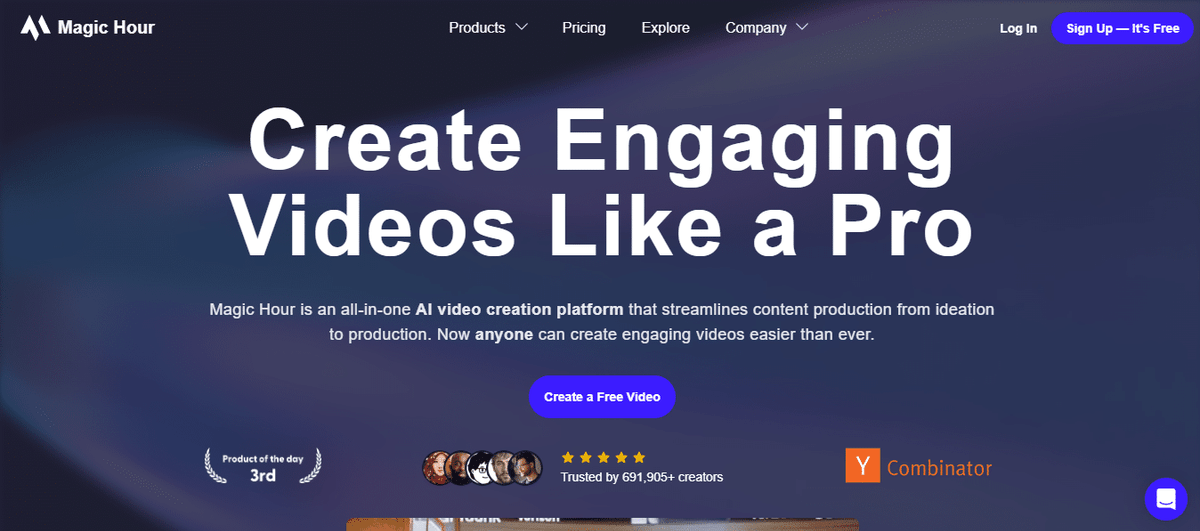
An all-in video platform largely used by video creators and social media influencers, MagicHour offers a list of features including AI Video Face Swap, Text-to-Image-Video animations, Video-to-video generation, video-to-image generation, and text-to-video generation.
2. Vidnoz
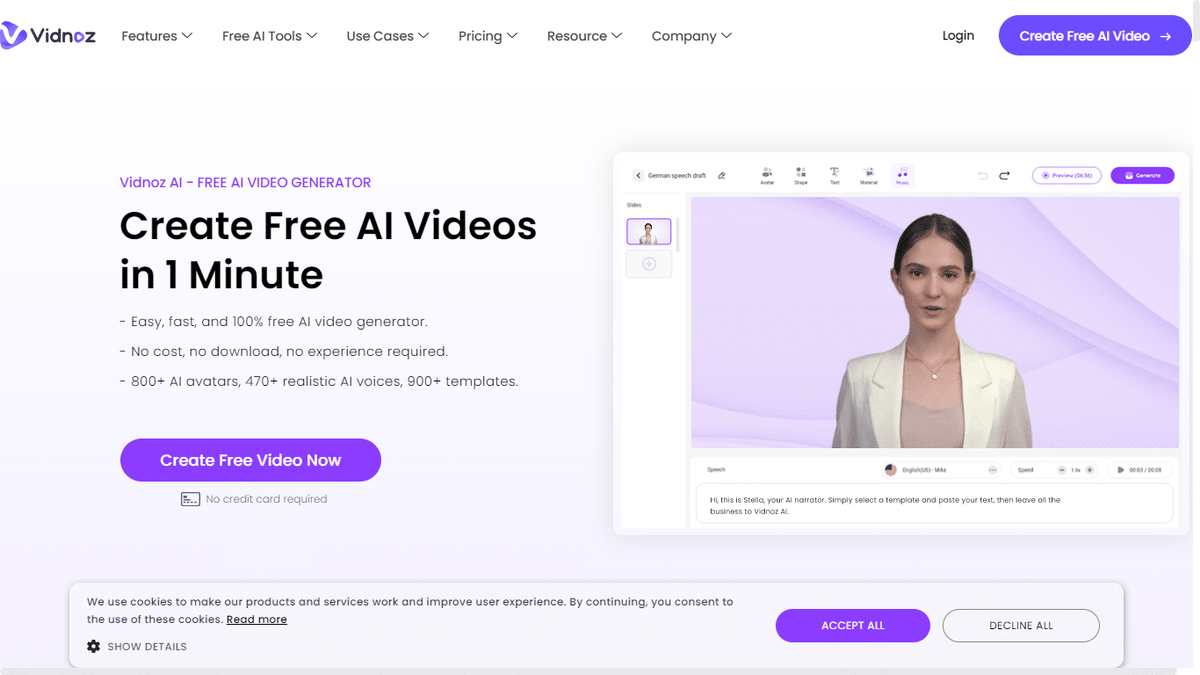
Another popular alternative, Vidnoz, is an application that provides users with a list of features like face-swapping, AI Voice Clowns, AI Taking Photos, AI text-to-speech, and AI text-to-videos.
Also Read – The 7 Best Vumoo Alternatives That You Can Trust!
3. DeepSwap.ai
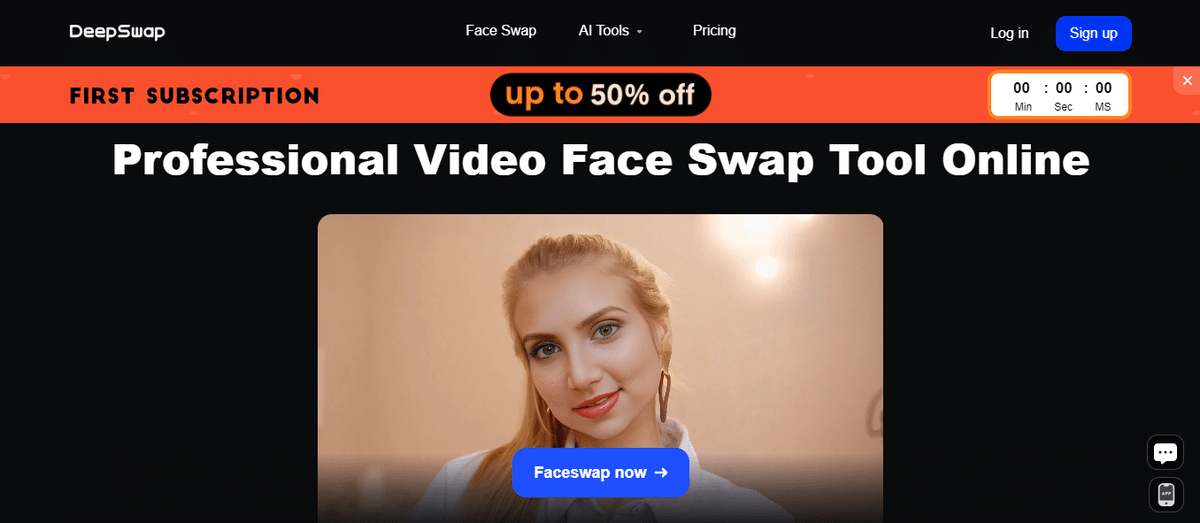
An Artificial intelligence face editor, DeepSwap.ai, allows users to swap or edit faces in an image. Not only this, but the application also supports swapping two or more faces in a video, GIF, or image, or face swaps.
Ending Words
While the Remaker AI was introduced as a leisure and fun application, it has attracted several scammers who are using this application to carry out online crimes. Hence, it is recommended to avoid using Remaker AI or any AI generative tools for any illegal action.
Meanwhile, if you are a creator looking forward to some creative images, you can generate them with the Remaker AI. The above-mentioned guide will help you with all the features of the application.
Related: Adobe Lightroom Review: Features, Pricing & Top Alternatives
Frequently Asked Questions
What is Remaker AI?
Remaker AI is an Artificial intelligence photo editing tool that utilises artificial intelligence for swapping an individual’s face in photographs. In technology, the applications allow users to switch faces between different images, creating entertaining and captivating scenes. The application whether you want to add an interesting view to the photograph or want to explore imaginative possibilities, the platform offers you…
Is Remaker AI Safe?
Remaker AI, according to its website, is protected by Firewalls and is placed in secure data facilities for enhanced security protection. However, at the same time, the application does not guarantee to safeguard a user's data against unauthorised access.
What is the Pricing For Remaker AI?
The application showcases the following features,
What Are The Features of Remaker AI?
The application showcases the following features,
How to Use Remaker AI?
Below is the step-by-step guide on how to use Remaker AI.
Last updated on


