

Did you know that by 2024, 86 percent of small and medium-sized businesses (SMBs) plan to have some employees working from home? That's a significant shift! But it means businesses need new tools to manage remote workers.
- Starter plan (for growing teams): $2500/month, which starts at 500 devices (e.g., begins at $5/device with a 500 device minimum)
- Advanced plan (for scaled deployments): $3750/month, which starts at 500 devices
- Premier plan (for big enterprises): customized pricing
Did you know that by 2024, 86 percent of small and medium-sized businesses (SMBs) plan to have some employees working from home? That’s a significant shift!
But it means businesses need new tools to manage remote workers. This post will look at the best remote management tools for 2024, helping in the seamless operation and connectivity of remote teams. Let’s explore!
What is Remote Device Management (RDM) software?
RDM software helps you control and manage devices from afar. It’s like having a remote control for your computer, phone, or tablet. But it does much more than just changing channels or volume.
With remote management software, you can check if your devices are working well. You can fix problems without being physically present. Besides, it’s easy to update software and ensure everything is secure. It’s particularly handy for businesses. It can help you manage all your devices from one place, even if they’re in different locations.
Top 5 Remote Management Tools for SMBs
Remote management tools make it easy to connect to computers from far away and help remote teams work together securely. Here are five such tools SMBs can use:
1. Canopy
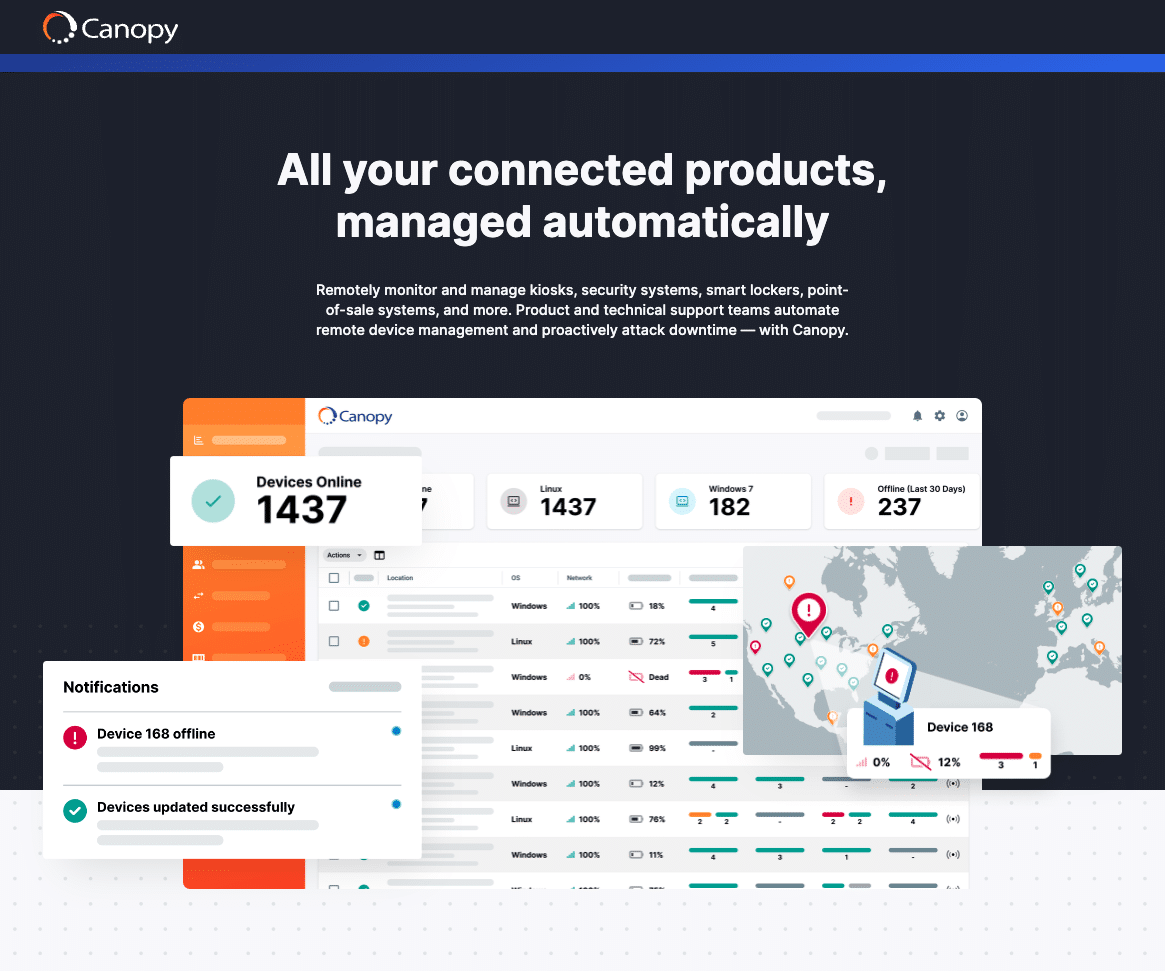
Canopy is the leading remote device management software for kiosks, security systems, smart lockers, digital signs, and other connected products. Small businesses streamline their remote device operations using Canopy, enabling them to manage their unattended technology efficiently and with confidence to drive revenue and on-brand customer experiences.
Ease of use: Canopy boasts industry-leading adaptability. Canopy can be configured for any connected product system, making it easy to monitor and manage every aspect of the product, from hardware to software, peripherals, network conditions, device settings, power, and more.
Outstanding features: The Canopy has lots of impressive functionalities. Of course, it can monitor your devices and help fix technical issues quickly. Where it shines is in its ability to automate processes, speeding onboarding of new devices or updating older devices. Technical support teams rely on Canopy to scale remote device management operations.
Support: Canopy has dependable customer support. If you need help, you can chat, email, or call them.
Price: Canopy offers three plans for you to pick from.
- Starter plan (for growing teams): $2500/month, which starts at 500 devices (e.g., begins at $5/device with a 500 device minimum)
- Advanced plan (for scaled deployments): $3750/month, which starts at 500 devices
- Premier plan (for big enterprises): customized pricing
2. RemotePC
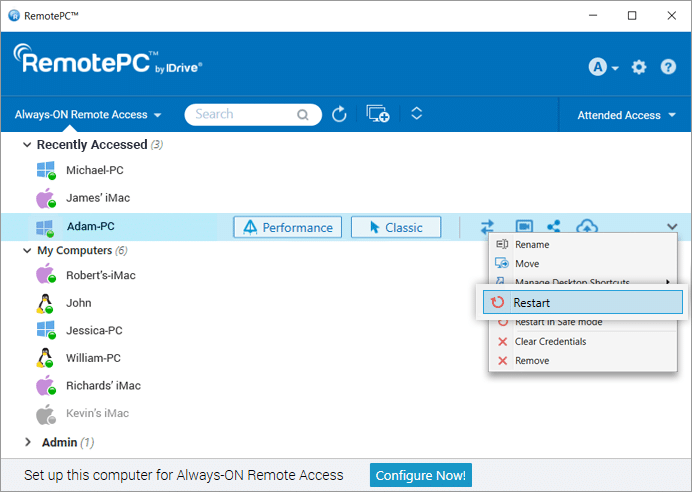
RemotePC is another tool SMBs can use to manage their devices remotely. Unlike Canopy’s use for connected products like kiosks and smart lockers, RemotePC focuses on computers. It allows businesses to connect to remote computers, provide remote support, and collaborate online.
Easy to use: Even beginners can quickly use it. The interface is simple and user-friendly. That makes navigation a breeze.
Outstanding features: This tool works on many different devices. It doesn’t matter if you have a Windows computer, a Mac, or a phone.
Support: RemotePC has a responsive customer support team. They’re always there to answer your questions.
Price: RemotePC offers five plans.
- Consumer (for one computer): $22.12/first year
- Consumer (for two computers): $44.62/first year
- SOHO (for 10 computers): $74.62/first year
- Team (for 50 computers): $224.62/first year
- Enterprise (for 100 computers): $449.62/first year
3. TeamViewer
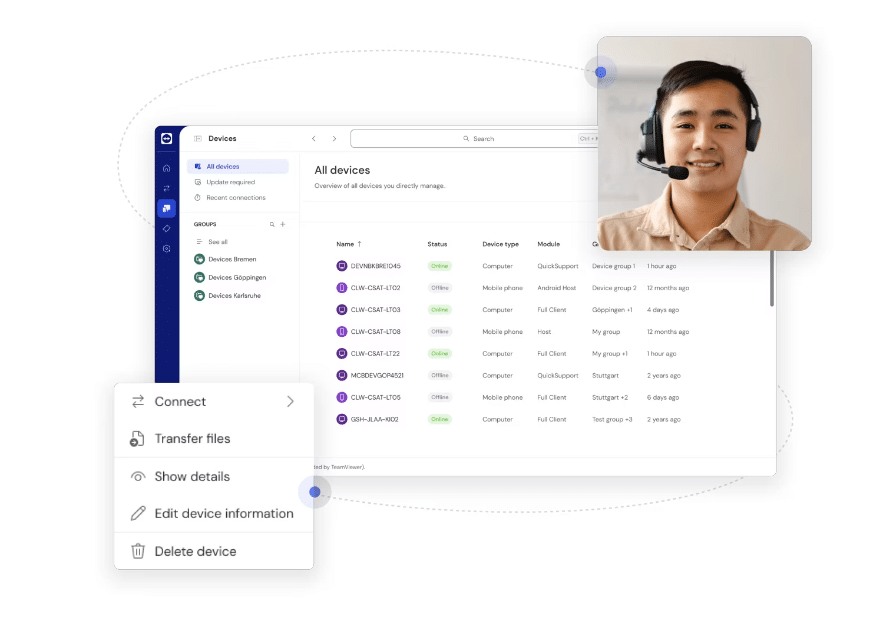
TeamViewer is a popular choice for remote management using remote desktop, the technology that enables users to access the desktop environment of another computer over a network connection.
TeamViewer offers many tools for remote access, support, and collaboration.
Ease of use: Using TeamViewer is easy. Just download the software, enter the provided ID and password, and you’re connected. You don’t need any complicated setups or configurations.
Outstanding features: It works on different devices, hence you can manage several devices in one place.
Support: Their customer support is also great. You can ask for help via email, phone, and live chat.
Price: TeamViewer offers two plans.
- TeamViewer Premium: $112.90/month (billed yearly)
- TeamViewer Corporate: $229.90/month (billed yearly)
4. LogMeIn Central
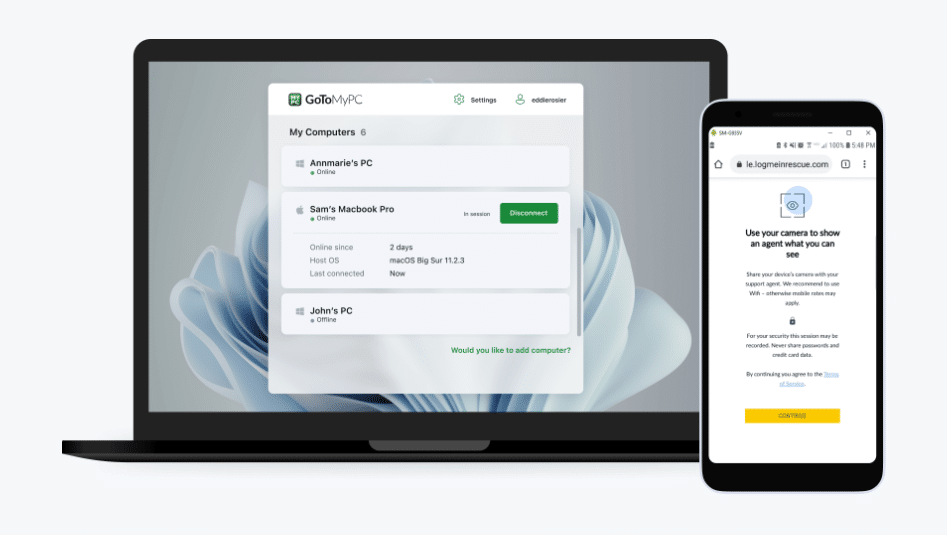
Another remote desktop tool SMBs can use to manage PCs, laptop devices, and mobile devices is LogMeIn Central. It’s made by LogMeIn Inc., a company known for remote access tools.
Ease of use: It’s easy to use. You can quickly figure out how to navigate it without much training.
Outstanding features: You can access and control devices securely from anywhere with an Internet connection. It also helps with software installation, system updates, and device health checks.
Support: LogMeIn Central has a team ready to help you. They can assist with technical issues. Also, they show how to use the tool well.
Price: Starts from $80/month (billed annually)
5. ConnectWise Control
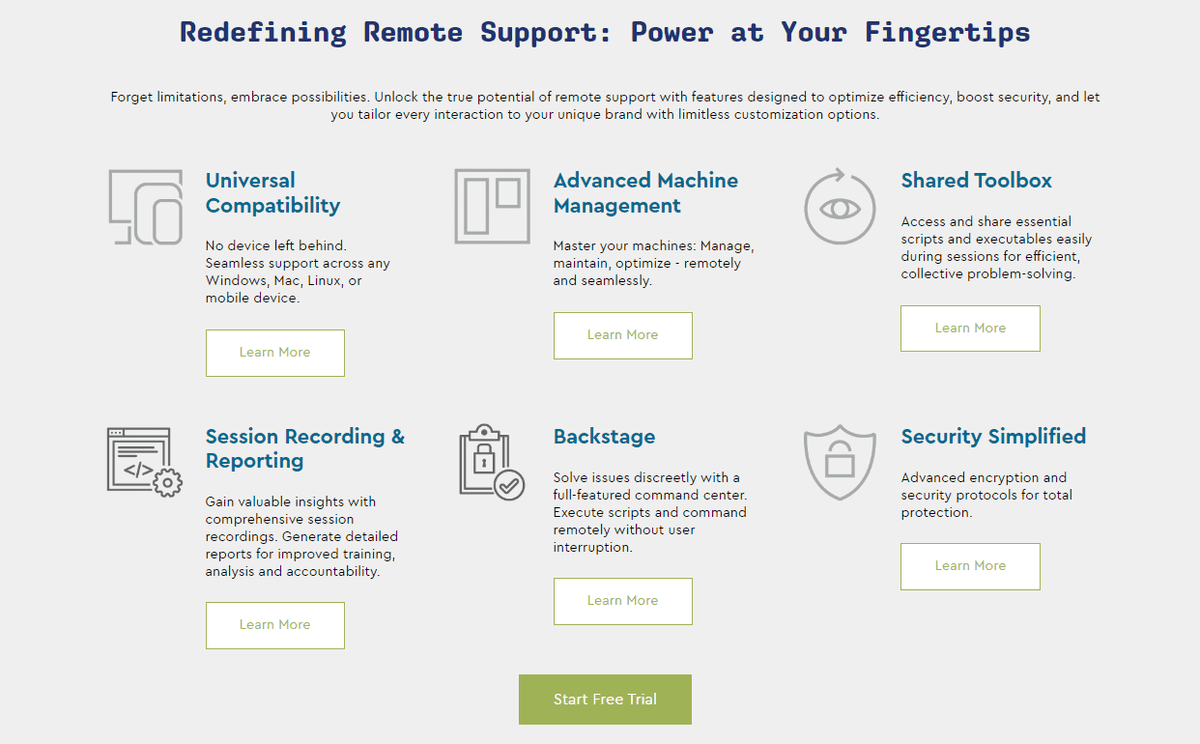
Last on our list is ConnectWise Control. It’s a versatile remote access and support tool available in both cloud-hosted and self-hosted versions. ConnectedWise is used for PCs and Laptops.
Ease of use: It’s simple and user-friendly. Businesses can integrate the tool seamlessly into their operations.
Outstanding features: It offers customizable features and easy session initiation, making it a convenient solution for remote collaboration and technical support.
Support: Their team is available to help with technical issues. They also show how to make the most of the tool.
Price: ConnectWise Control offers four pricing plans.
- Remote Support One: $28/month (billed yearly)
- Remote Support Standard: $43/month (billed yearly)
- Remote Support Premium: $53/month (billed yearly)
- Remote Unattended Access: from $31/month (billed yearly)
Picking the right remote tool for your small business is vital. It’s the key to smooth operations, especially if your team works from different locations. Take the time to think about your needs and budget. Then, choose the one that fits you best. Remember, the right tool not only helps your team stay organized. It also ensures seamless collaboration, regardless of location.
Related: Top 10 Free & Paid AI SEO Tools
Related: Strategies for Effective Team Management in 2025
Frequently Asked Questions
What is Remote Device Management (RDM) software?
RDM software helps you control and manage devices from afar. It's like having a remote control for your computer, phone, or tablet. But it does much more than just changing channels or volume.
Last updated on


